What Do You Need Help With?
Check Your Courses in Canvas!
All enrolled students should log in to Canvas and access each of their courses as soon as possible. This is important to meet attendance verification requirements and confirm that you are actively participating in your classes.
Don’t see a course you expected to see?
If a course is missing from Canvas, review your current course schedule in Student Self-Service.
If you were dropped for non-payment and have now secured your funding, visit The Hub on any campus by 2:00 p.m. Friday, August 28, for assistance.
Our teams are helping a high volume of students get ready for fall. Thank you for your patience.
Before visiting campus, check the options below. You may be able to complete your next step online and save time.
Even if you receive Financial Aid or The Promise Program, you may still owe fees or other charges.
Important: A delay in receiving some official high school transcripts is temporarily affecting the application of Financial Aid and Promise funding for some students. If you’ve completed your application, requested your transcript, and finished your enrollment steps, no further action is needed at this time. You can still register for classes. Students impacted by this issue will not be dropped for nonpayment or charged a late registration fee. Visit irsc.edu/support for updates and resources.
- Go to The River Portal (go.irsc.edu), select NEW River Portal
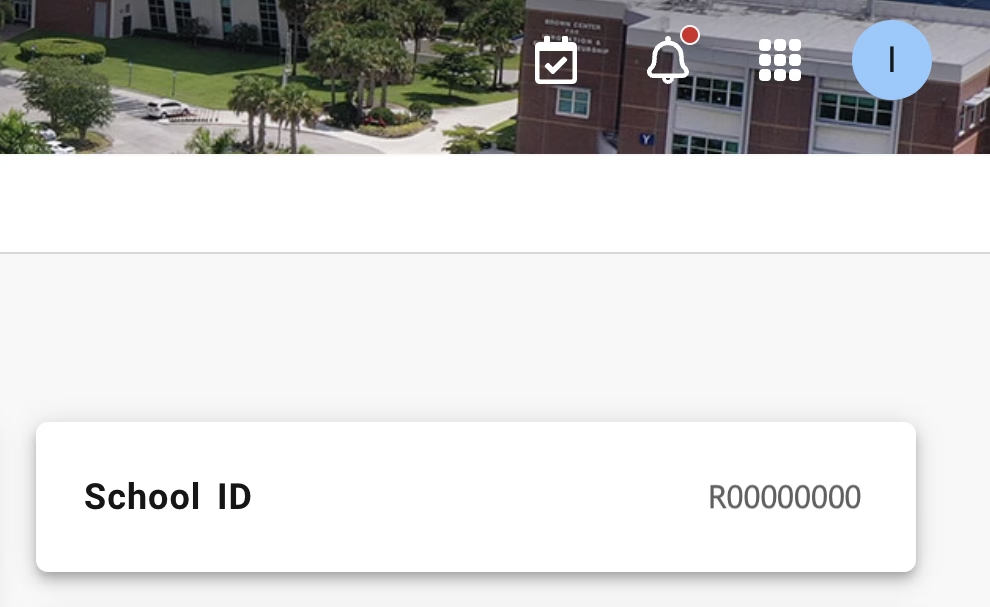
- In the top right, click the circle with your initial for your account
- Select View Profile
- Your new ID number will be under School ID section, formatted R00000000